This guest post was written by Neil Perlin, an internationally known consultant, strategist, trainer, and developer for online content in all forms from online help to apps. He is MadCap Certified for MadCap Flare and MadCap Mimic and a long-time Flare and Mimic trainer and consultant. He is the author of various books on Flare and Mimic, and "Creating Mobile Apps Without Coding". Neil writes columns and articles for various industry publications and is a popular conference speaker.
In April, I gave a webinar for MadCap Software called “Contextualizing Our Content – Today and Tomorrow.” In it, I reviewed how traditional context-sensitive help (CSH) and responsive design work before discussing advanced content contextualization. That involved customizing a MadCap Flare target without regenerating the output in response to simulated sensor data, like a temperature change reported by a temperature sensor. The idea was to show how content can be customized based on input from inside or outside a computer and in real-time in support of the Information 4.0 concept.
Several viewers asked what other criteria could be used to customize content for better digital experience. Those questions lead me to do further testing to see what other properties of the output could be modified without regenerating the output. I didn’t test every possibility – this was a proof-of-concept test – but, it appears that we can customize any property defined by a control file that Flare places in your project’s output folder.
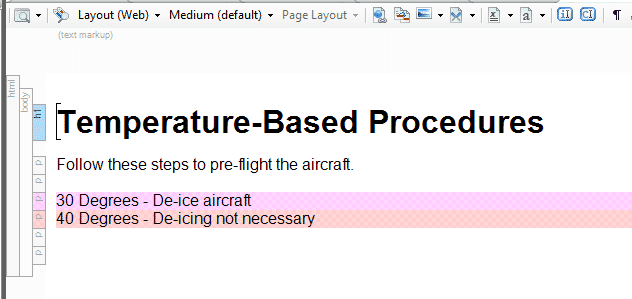
For example, I could control the content by using conditional build tags and CSS, as shown below (and in the recorded webinar). My test project used one topic (to keep it simple) with content that met one of two conditions – 30 degrees or 40 degrees. Here’s the topic.
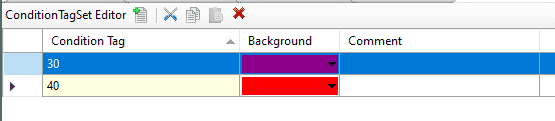
Here are the two conditional build tags (that are applied to the topic as shown above).
And here are the three CSSs that control the customization.
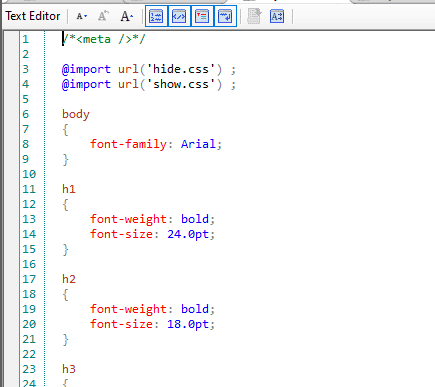
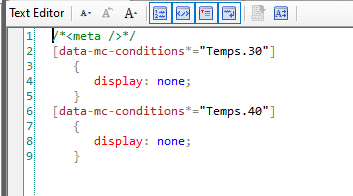
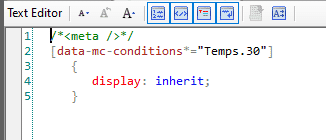
For details of how this works, see the recorded webinar. The point is that the process worked because the topic and the three CSSs were in the output folder. So what else can we modify in real-time?
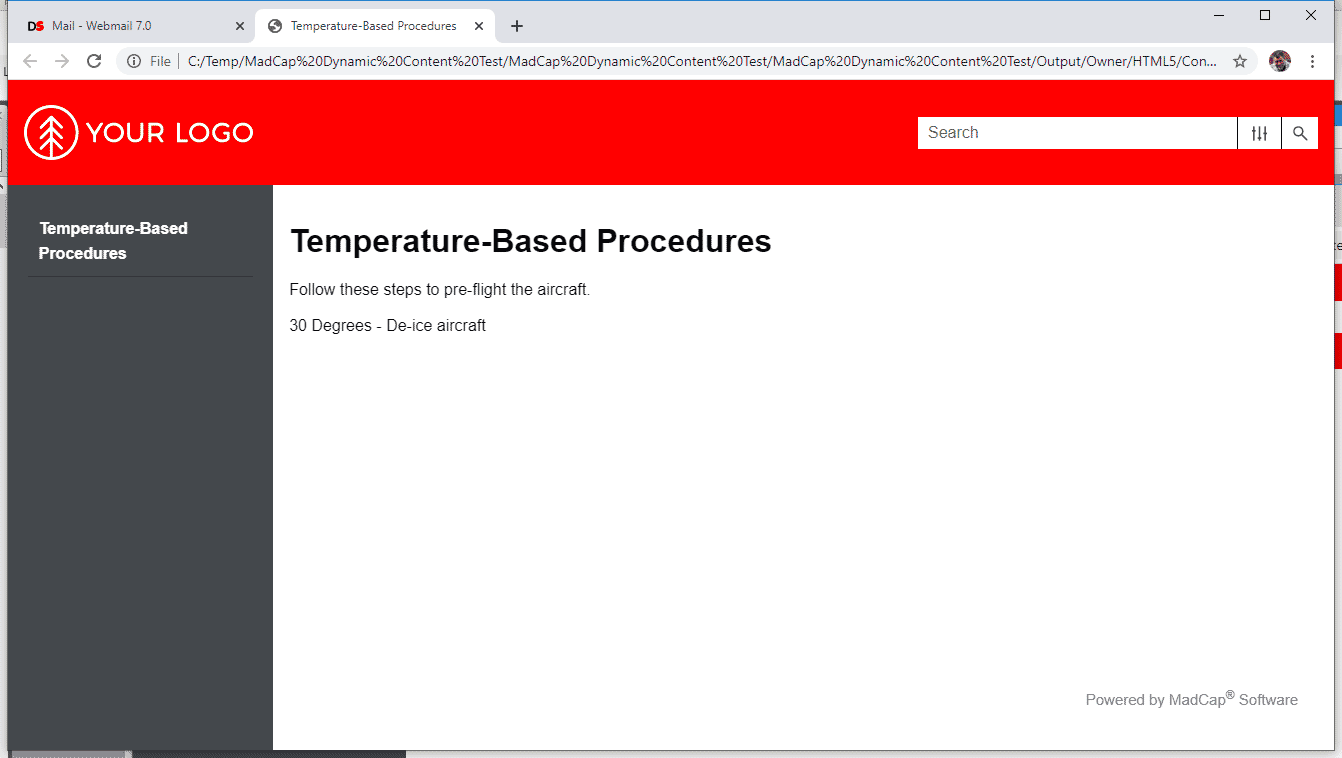
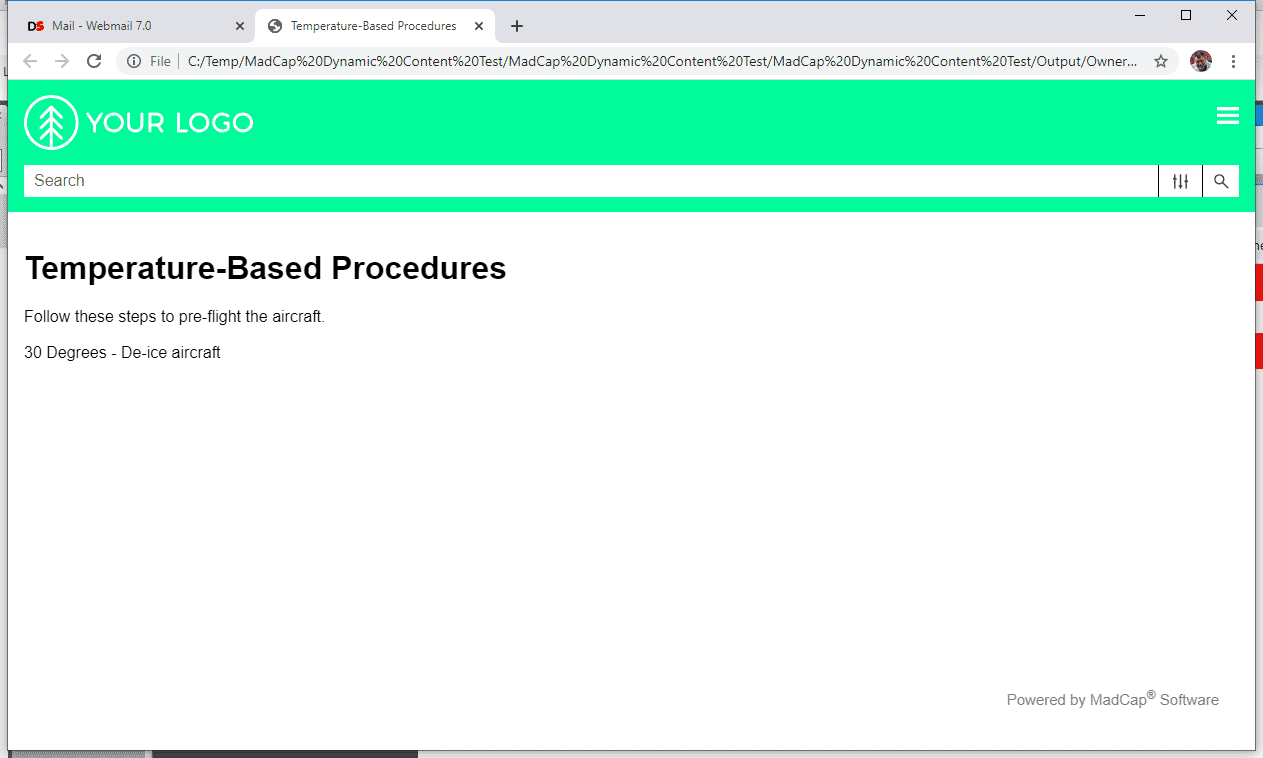
As the webinar showed, I could modify the content based on its conditionality. Conditions can apply to almost anything in a Flare project, so almost anything should be modifiable. For example, I was able to modify the format of the content by changing the properties in the CSS. I could go further and modify the skin, here the banner color, for tablets by changing the background-color under nav.title-bar in tablet.css in output > owner > HTML5 > skins > fluid > stylesheets. Similarly, the skin banner color for mobile by making the same change in mobile.css. Here’s an example, first with the skin banner colors generated in the target output.
Desktop-sized:
Tablet-sized:
And finally, mobile-sized – i.e. phone-sized:
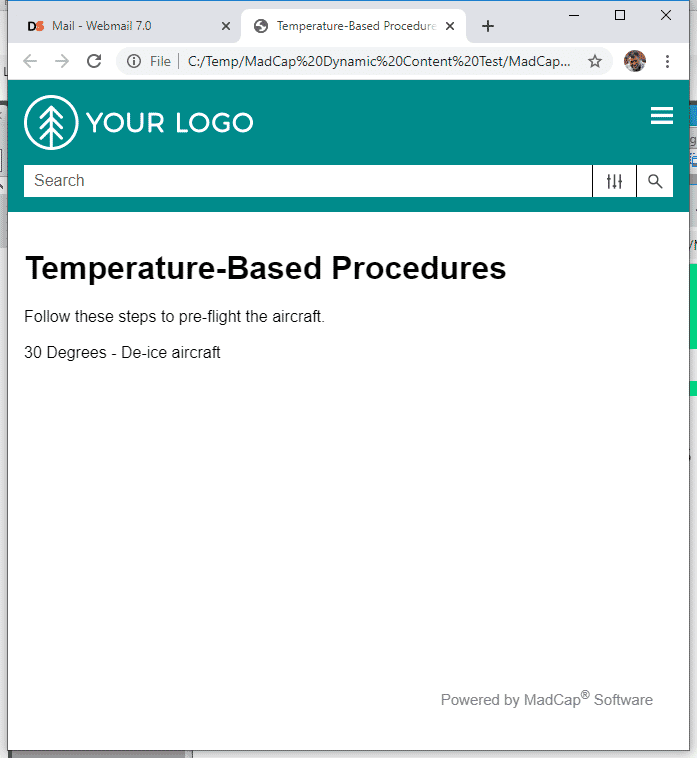
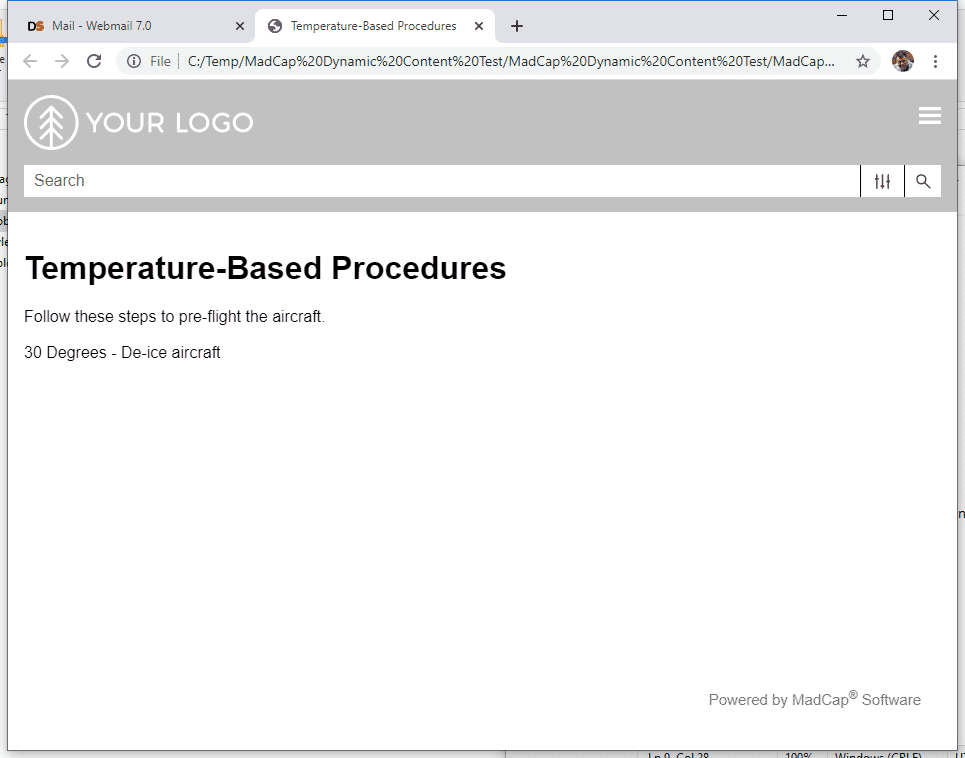
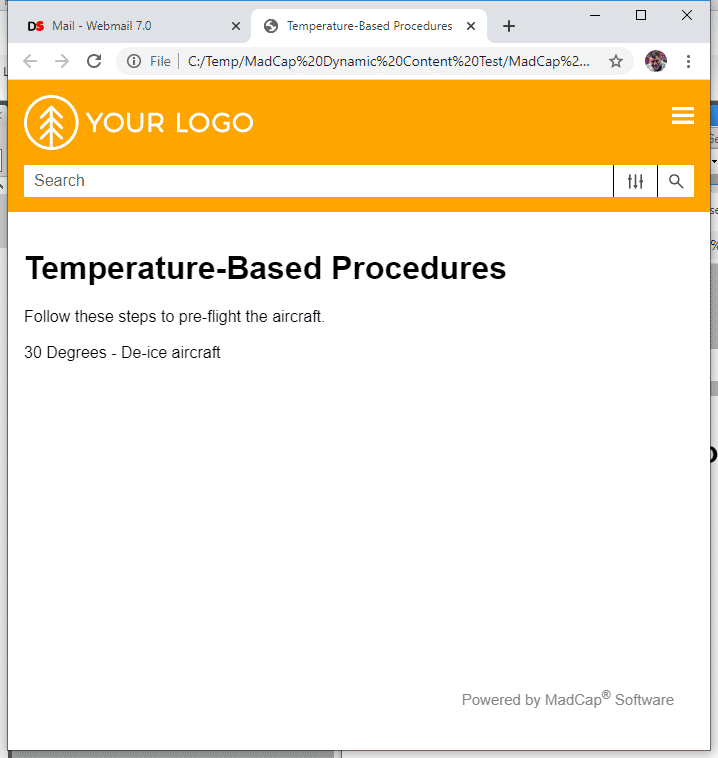
Now, here’s the same output but with the tablet and mobile banner colors modified in tablet.css and mobile.css as described above. (I’m leaving the desktop-sized banner in red.)
Tablet-sized (the hex value for the silver is C0C0C0):
And mobile-sized (the hex value for the orange is ffa500):
It appears possible to control other elements of an output by modifying the various CSSs. This offers the ability to customize our outputs in response to a wide variety of environmental data. And doing so in real-time may open up industrial applications with dynamic environments for Flare for which traditional builds are too slow and time-consuming. This enhanced functionality and insight can leverage analytics to create a personalized experience for users. Contextualized data can include adapting the content based on factors like user preferences, location, or language. With a personalization approach, organizations can deliver highly relevant content to their users for improved experience and effective communication.
Besides, it’s just cool…
If you’d like to discuss this further – especially the person who mentioned modifying content based on properties generated by AI applications - feel free to email me at nperlin@nperlin.digitalspacemail8.net.
Note: A tip of the hat to MadCap for simplifying my customization code.